
Microsoft is Ending Windows 10 Support: Here’s What to Do Next

Microsoft has officially confirmed that Windows 10 support will end on October 14, 2025. This means after that date, the operating system will no longer receive security updates, bug fixes, or technical support.
Continuing to use Windows 10 after its end of support poses serious risks. Without regular security updates, computers become more vulnerable to malware, ransomware, and data breaches. In industries where compliance is essential, such as finance or healthcare, running unsupported systems could lead to regulatory issues or penalties.
To stay safe and meet standards, it’s smart to upgrade to Windows 11 or replace old devices before support ends.
Windows 10 end of support risks
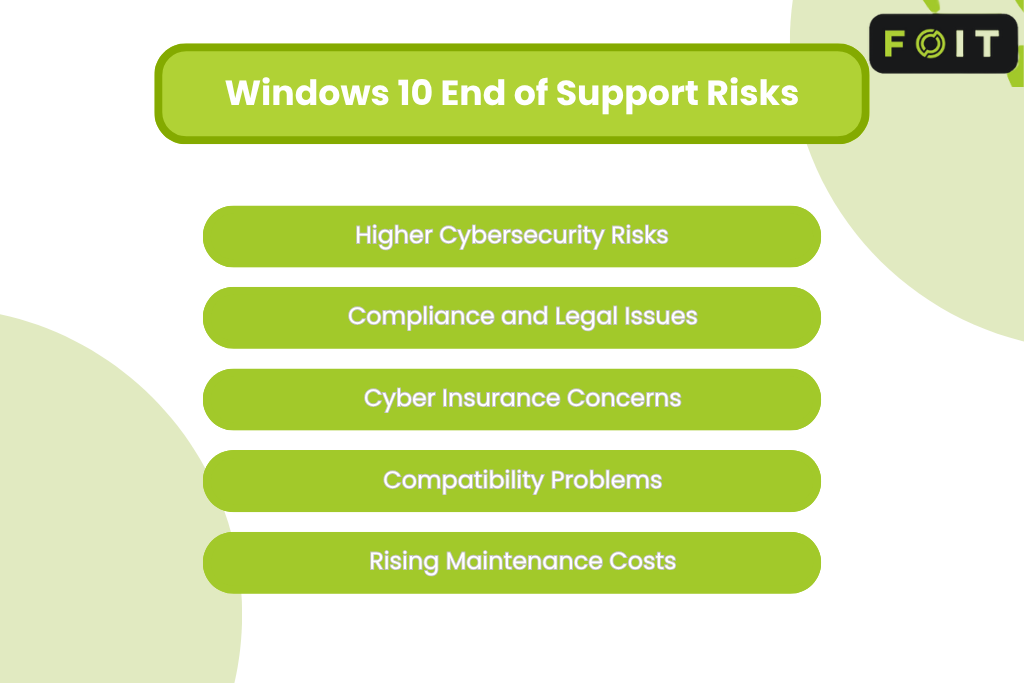
1. Higher cybersecurity risks
After October 14, 2025, Windows 10 will stop receiving security updates and technical support from Microsoft. Any new threats or vulnerabilities discovered after this date will go unpatched, exposing computers to cyberattacks, malware, and ransomware.
2. Compliance and legal issues
Organisations that continue running Windows 10 risk breaching industry regulations. Sectors like finance, healthcare, and government could face compliance failures, penalties, or data protection issues when using unsupported systems.
3. Cyber insurance concerns
Many cyber insurance providers require systems to be up to date. Once Windows 10 support ends, businesses using it may lose insurance coverage if a breach occurs.
4. Compatibility problems
Unsupported systems often face software and hardware incompatibility. New programs, peripherals, and updates may not work properly with old Windows devices, leading to downtime and poor performance.
5. Rising maintenance costs
Without official support, maintaining Windows 10 PCs becomes costly. IT teams spend more time fixing issues, while older hardware runs slower and less efficiently. Upgrading to Windows 11 or purchasing a new Windows 11 PC helps reduce long-term costs and risks.
Upgrade to Microsoft Windows 11
With Windows 10 support ending on October 14, 2025, it’s time to plan your move.
If your PC meets the hardware requirements, you can upgrade to Windows 11 to keep getting important security updates and Microsoft support. You’ll gain faster performance, better protection, and access to tools like Windows Hello and Microsoft 365.
If your computer isn’t compatible, replace it with a new Windows 11 PC. New devices are quicker, safer, and cheaper to maintain. Upgrading or replacing now saves money in the long run and keeps your system ready for the future.
Preparing for the upgrade
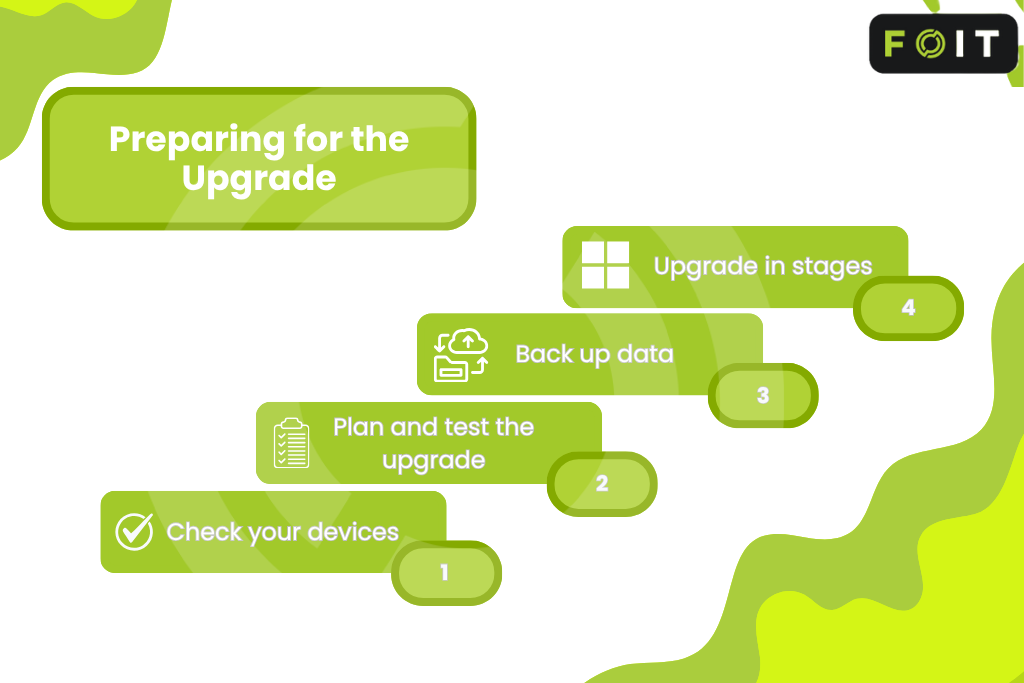
Start planning early to ensure a smooth move from Windows 10 to Windows 11.
- Check your devices – Before installing Windows 11 on existing PCs, use Microsoft’s PC Health Check tool to see if your devices meet the requirements for Windows 11 and are eligible to upgrade.
- Plan and test the upgrade – If you’re installing Windows 11 on a new PC with Windows 11 preinstalled or upgrading your current systems, use Microsoft’s setup tools to make sure all your apps and systems work properly.
- Back up data – Before you upgrade for free to Windows 11, back up your important files with Windows Backup or a secure cloud service. This ensures your data stays safe during the installation process.
- Upgrade in stages – Roll out Windows 11 updates to small groups first to reduce downtime and identify any compatibility issues before a wider release.
Early planning keeps your systems secure and helps your move to Windows 11 go smoothly.
Extended Security Updates (ESU) program
If you can’t upgrade to Windows 11 before October 14, 2025, Microsoft offers the Extended Security Updates (ESU) program. It provides paid security updates for Windows 10 until October 2026.
The ESU program helps protect devices for a short time but has limits. It only covers security fixes, not new features or full technical support, and costs rise each year.
For organizations using Windows 10 Enterprise, the ESU program can provide a short-term safety net while transitioning to newer systems. However, it’s best to use ESU only as a temporary safety net. The best option is to upgrade to Windows 11 or buy a new Windows 11 PC for lasting security and tech support.
Best practices for a secure upgrade to Windows 11
As you move from Windows 10 to Windows 11, maintaining strong security practices is vital. Start by enabling multi-factor authentication and using modern endpoint protection across all devices. These tools help defend against cyber threats, even during upgrade phases.
Review legacy software and hardware to ensure they meet modern security standards. Outdated systems or unsupported applications can create vulnerabilities that attackers exploit. Replace or upgrade them wherever possible.
After migration, continue to monitor, patch, and update your systems regularly. Use Windows Update and Microsoft 365 security features to keep your devices protected. Ongoing attention to security ensures your transition to Windows 11 remains safe and compliant long after Windows 10 support ends.
Why act now?
Delaying upgrades past October 14, 2025, can be costly and risky. Without security updates, Windows 10 becomes vulnerable to cyberattacks, data loss, and compliance fines.
Last-minute upgrades may also cost more due to hardware shortages and urgent IT work. These delays can cause downtime, stress, and even reputational damage.
At DLM IT, our experts can assess your systems, plan your migration, and deliver a seamless transition to the latest Windows operating system. With the right guidance, you can move forward confidently, securely, and without disruption.
Frequently asked questions
What happens when support for Windows 10 ends?
When support for Windows 10 ends on October 14, 2025, the Windows operating system will no longer receive regular security updates, bug fixes, or technical support. Businesses using older editions of Windows and other Microsoft products should plan ahead to upgrade and maintain security, compatibility, and compliance across their systems.
How can businesses stay secure after upgrading to the new Windows?
Upgrading to the new Windows helps businesses stay protected once Windows 10 reaches end of support. The new Windows operating system delivers regular security updates, improved performance, and modern protection features. Moving to Windows 11 ensures continued support and compatibility across all Microsoft products.
How does DLM IT support businesses upgrading to Windows 11?
DLM IT provides complete migration support for the Windows 11 transition. Our experts assess your IT environment, ensure hardware and software compatibility, and guide you through deployment and configuration. The result is a smooth, secure, and disruption-free upgrade that keeps your business protected and productive.